Two independent surfaces
Set a separate left and right creative, destination and call-to-action for each campaign.
 BP Crown HQ Software
WordPress campaign plugin
Turn unused desktop side space into scheduled, branded campaign surfaces without redesigning the site.
Start 5-Day Free TrialSee How It WorksFrom $39/year. 5-day free trial. Managed from WordPress.
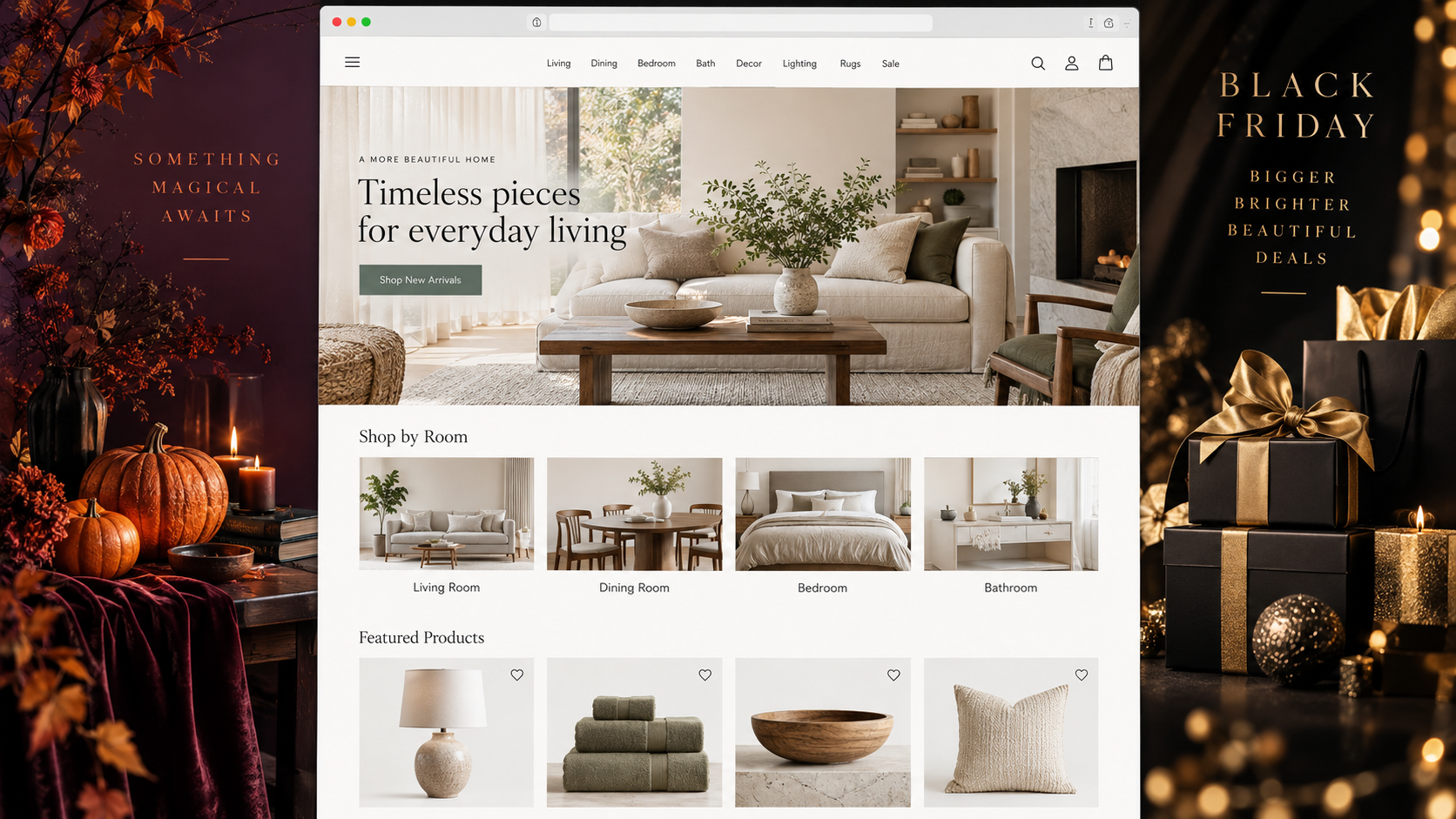
The customer-facing result
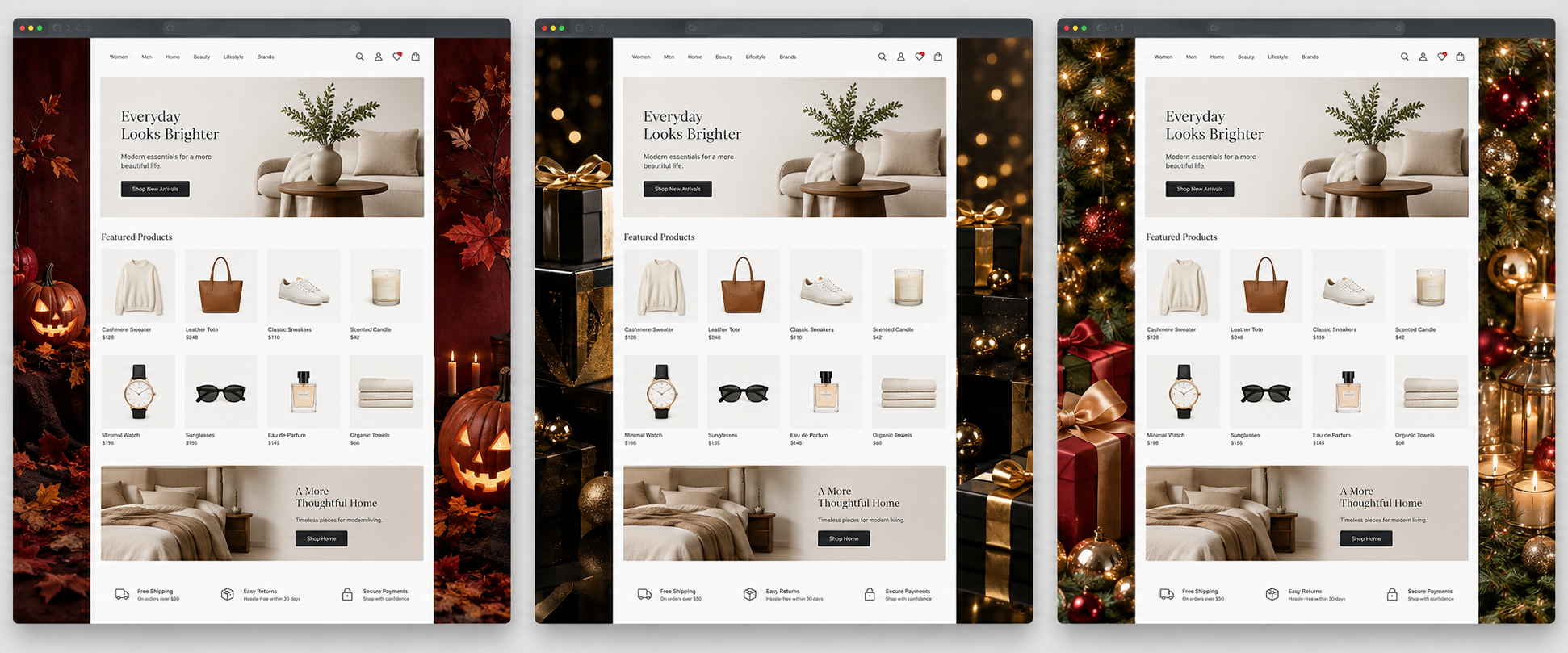
Seasonal Campaigns PRO adds two optional desktop side surfaces while the familiar website remains in the centre.
Set a separate left and right creative, destination and call-to-action for each campaign.
Each side can link visitors to the destination you choose, with an optional CTA button.
The plugin frames normal site content; it does not replace pages, heroes or popups.
Campaign library
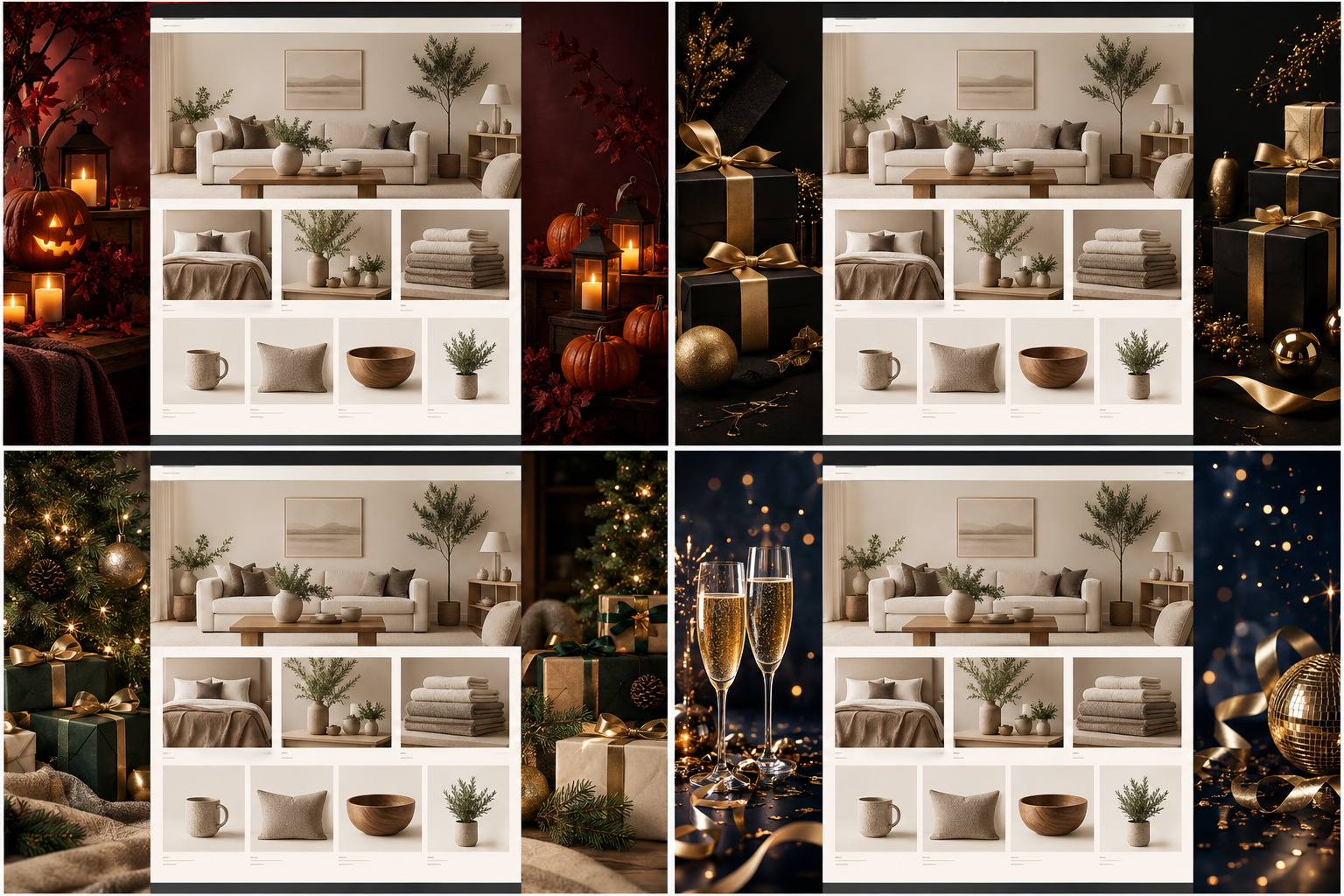
Halloween, Black Friday, Christmas and New Year are included as fixed campaign starting points. Add custom campaigns for your own calendar.
01
A fixed campaign can be selected manually or scheduled with its own date range and priority.
02
A fixed campaign can be selected manually or scheduled with its own date range and priority.
03
A fixed campaign can be selected manually or scheduled with its own date range and priority.
04
Custom campaigns join your own campaign library and can be used in Campaign Mix.
Campaign rotation
Prepare left and right campaign creatives once. Seasonal Campaigns PRO can select the active campaign by schedule, manual selection or Campaign Mix.
Activation modes
Use a direct choice when timing is immediate, a date range when the calendar is known, or the built-in Mix for variety.
Campaign Mix
Campaign Mix is for a set of custom campaigns you have already prepared.
It deterministically selects one enabled custom campaign per day. It is not testing, analytics or automatic optimization.
Creative control
Campaign artwork is picked from the WordPress Media Library and configured independently for the left and right sides.
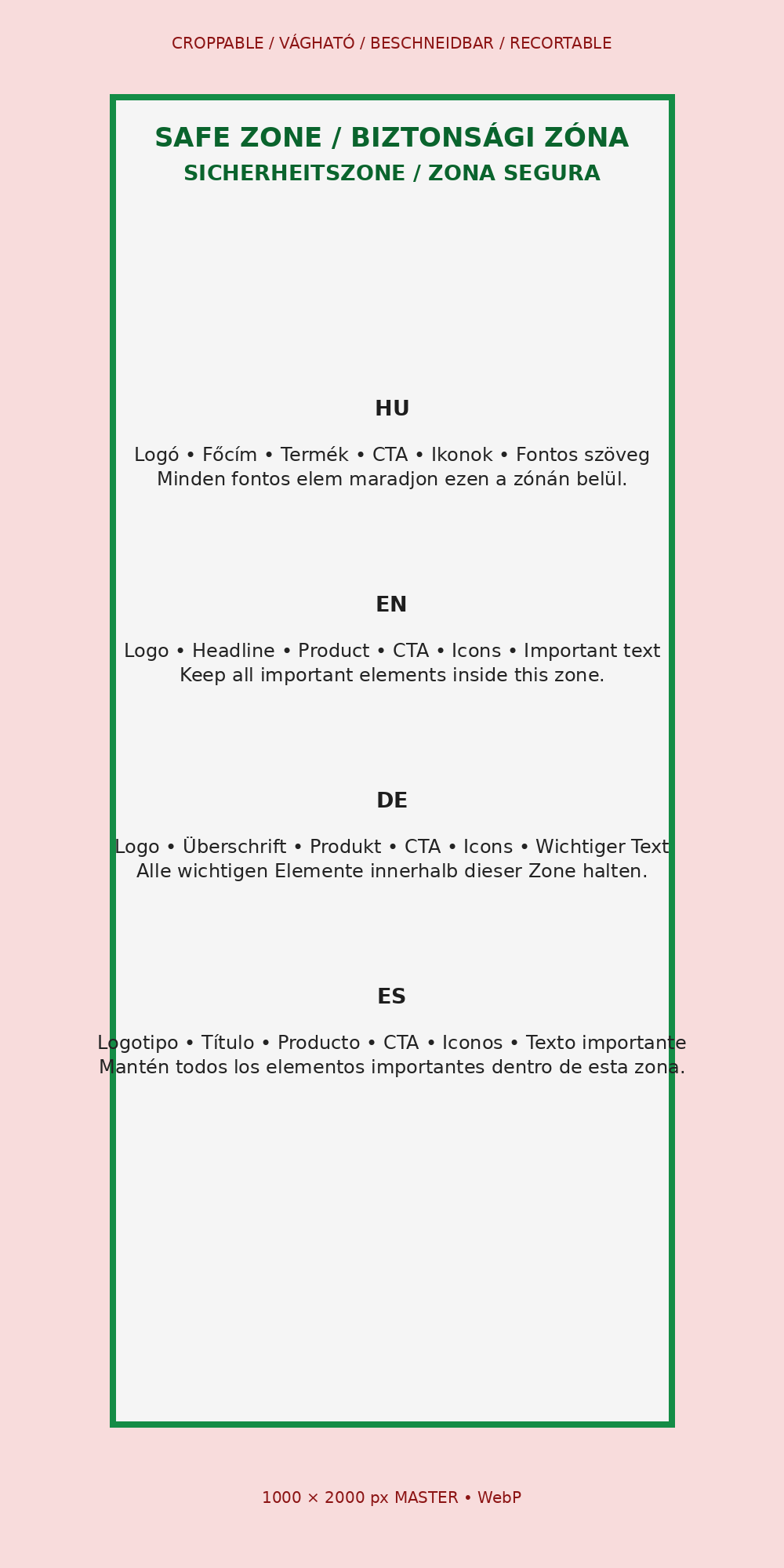
Desktop safe zone
Use the supplied safe-zone guidance to place campaign artwork where it remains useful beside the content column.
You choose the minimum desktop width at which the skin appears. Below that threshold, visitors keep seeing the normal website without side surfaces.
Build a season in advance
Create campaigns and dates ahead of time, then let the configured schedule do the switching.
Seasonal offers and product promotions beside the store you already run.
Booking periods or limited seasonal offers beside existing service pages.
New releases, events and seasonal messages around established content.
Seasonal uses the shared HQ customer portal, central licensing and protected release delivery already used by HQ Software products.
Customers manage access, subscription details, protected downloads and license information from the common HQ portal.
A Seasonal license activates Seasonal only, with the site allowance attached to the selected annual plan.
Plans renew annually after the 5-day trial unless cancelled through the customer account flow.
Annual subscription
Every plan includes updates, support, customer portal access, license management and protected downloads while the subscription is active.
No. Seasonal Campaigns PRO adds side surfaces beside the normal desktop content area; it does not replace your pages.
Yes. The two sides have independent creative, link and optional CTA settings.
Yes. Saved campaigns have an admin preview link for reviewing the customer-facing result.